Front door to the pass. One system.
Stay out of the weeds.
Your website, the booking page, the waitlist, pickup orders, the floor, the kitchen and the buyout upstairs — on one login and one record, for less than most rooms pay for any single piece of it today.
No card to start. No demo call. Pricing is on this page.
Your name on everything. Ours on nothing that matters.
The front of the house, from the outside: all of it built from the same account your team runs service on.
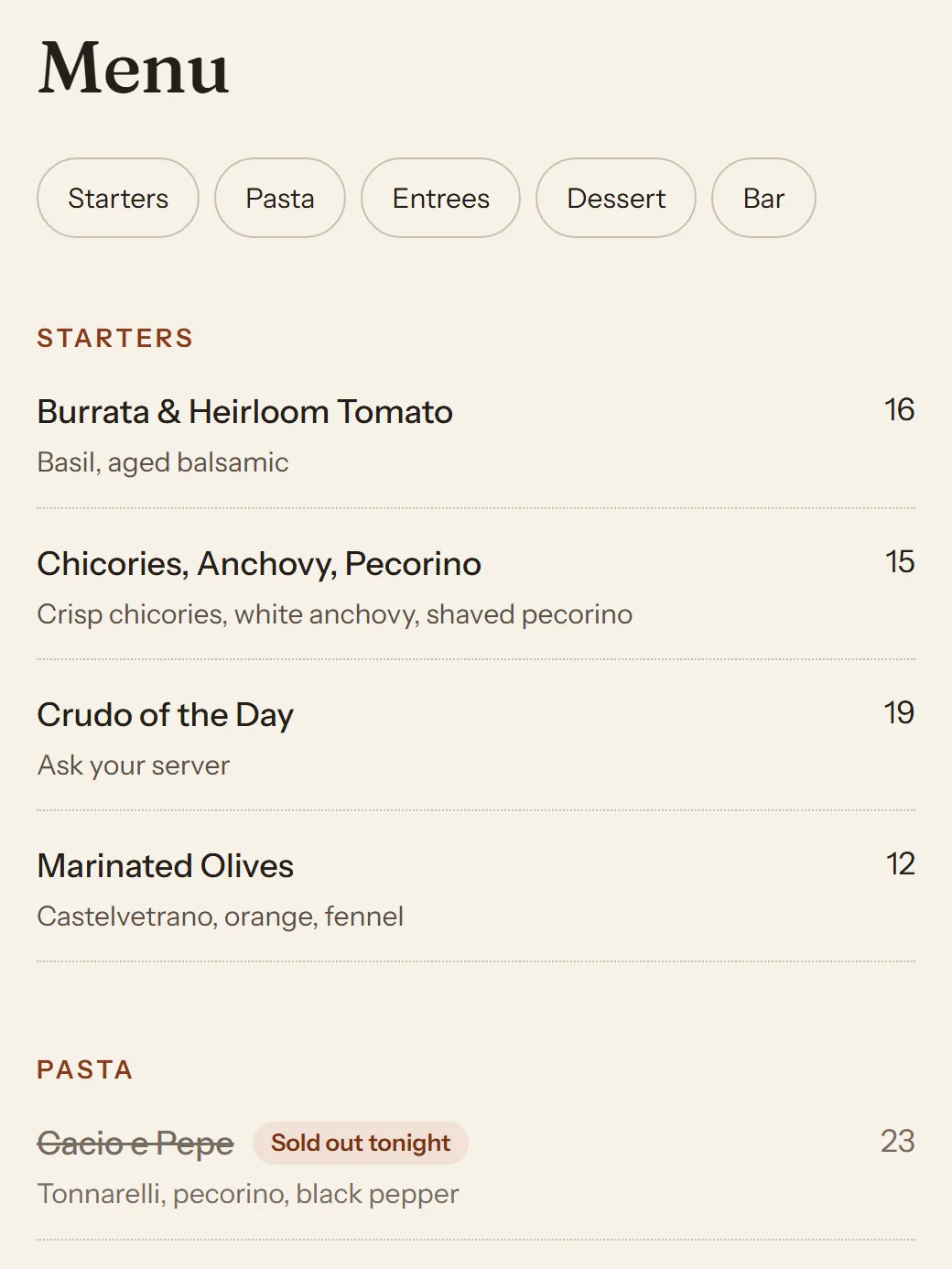
Your website · live menu 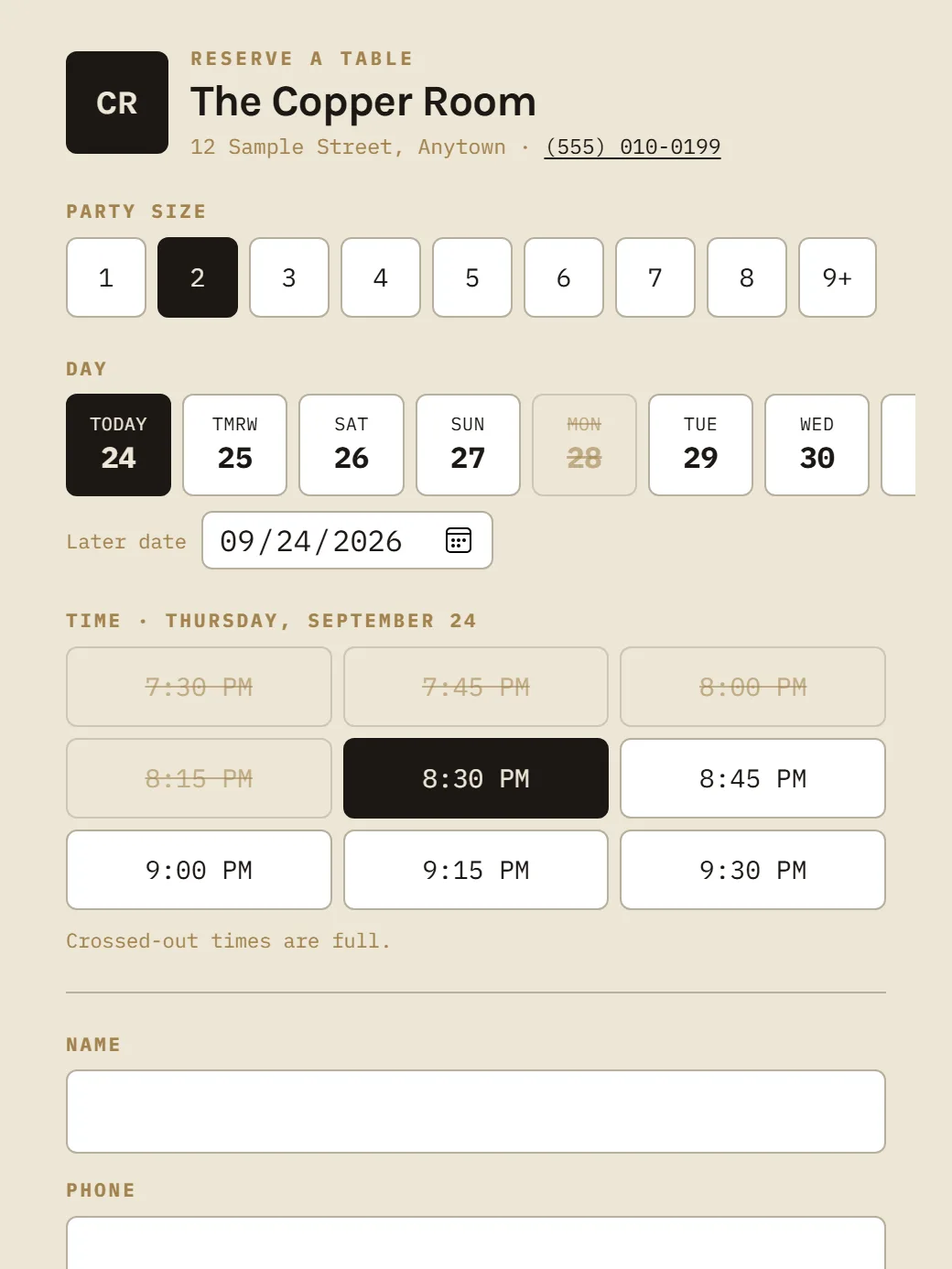
Booking page 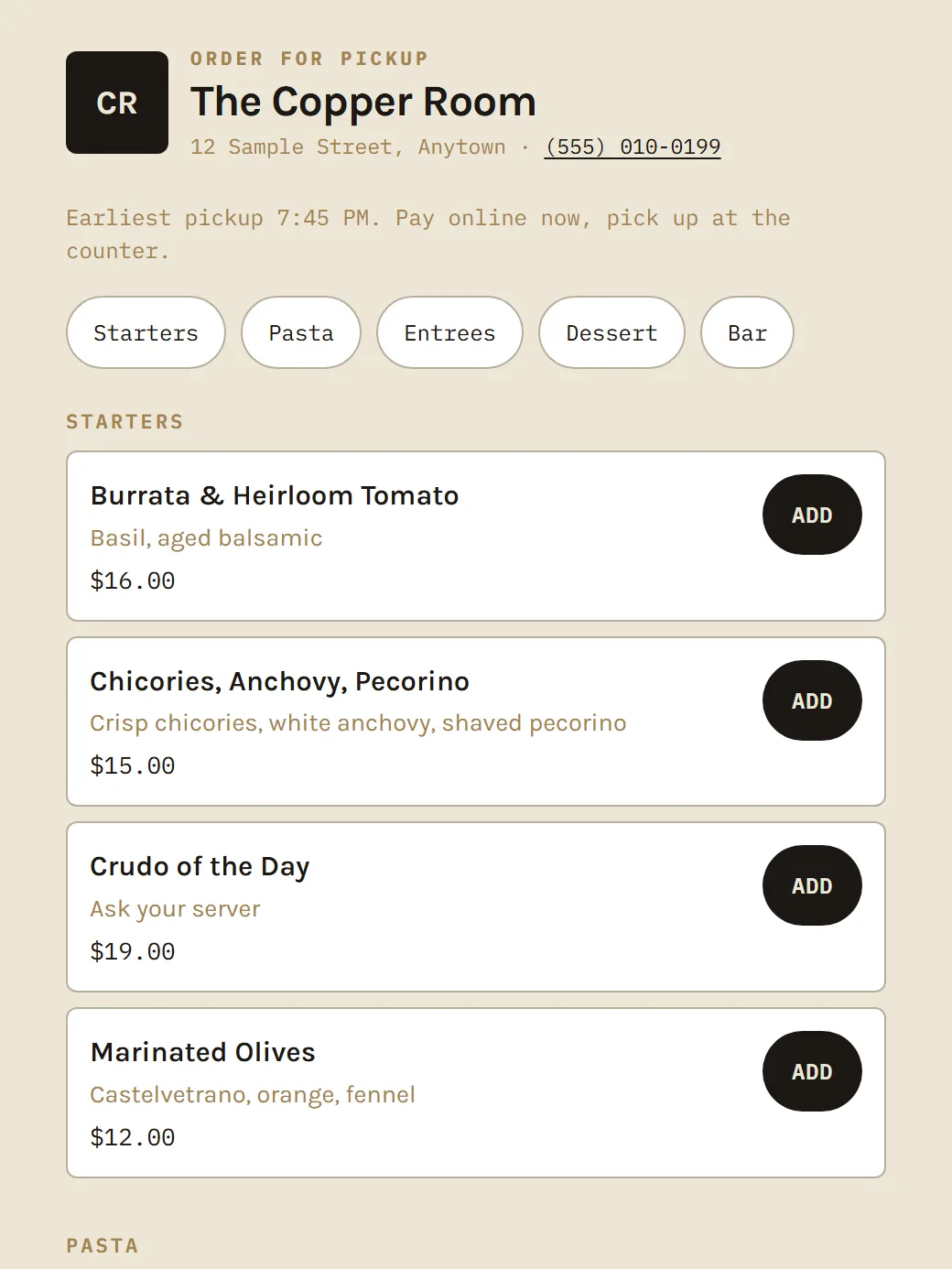
Pickup ordering 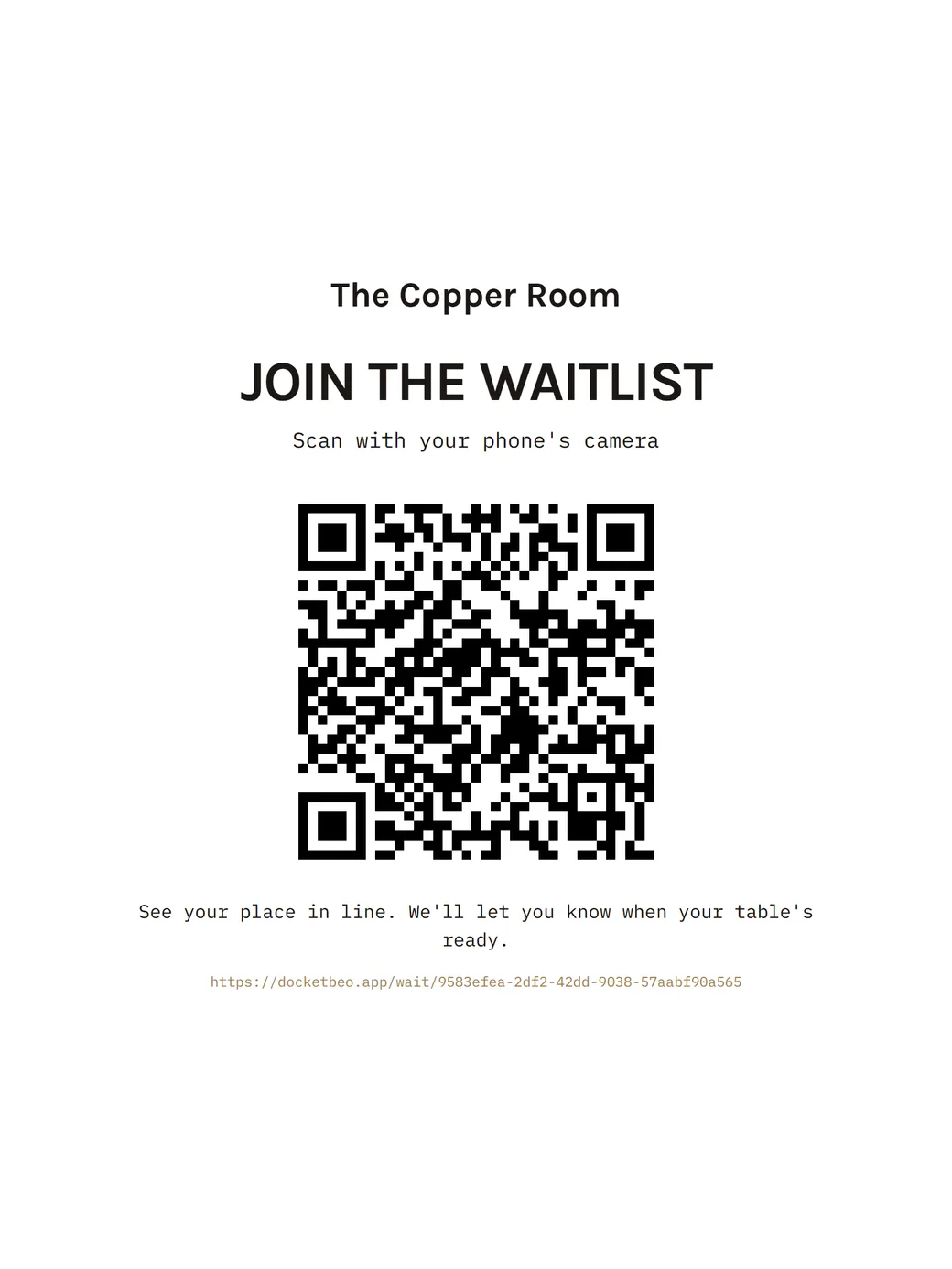
Waitlist sign 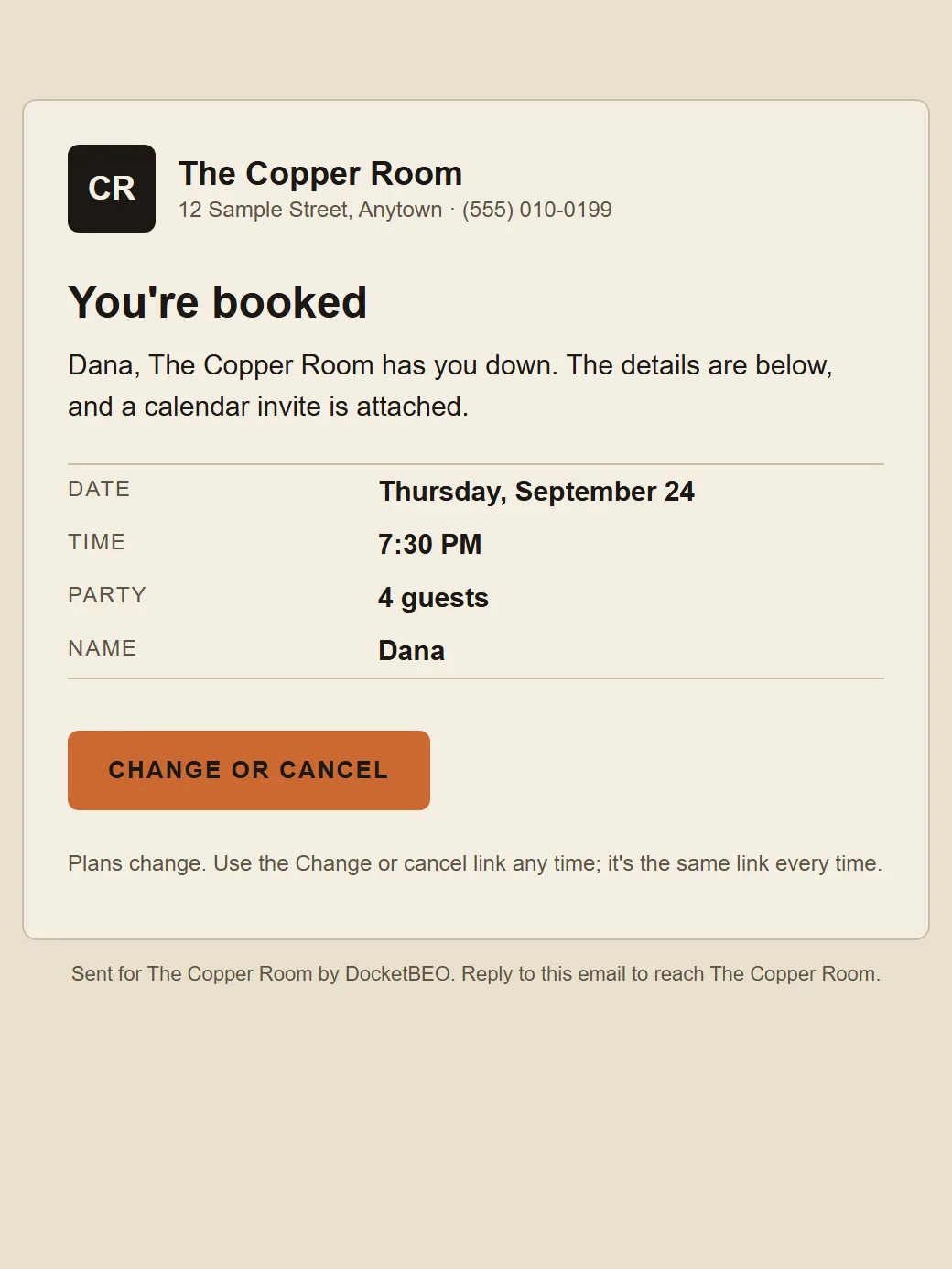
Confirmation email
A website that knows what's on tonight
Built from your account: menu, hours, rooms, and buttons to book, join the waitlist, order pickup and plan an event. 86 a dish on the floor and the site says "Sold out tonight." Add photos, an About section, and your own domain.
Pickup that doesn't bury the line
Guests order and pay on your site. Pickup times are paced around your dining room, and the order lands on the pass as "To go" and fires at pickup time minus prep, not the moment it's paid. One tap pauses it when you're slammed.
A booking page that doesn't waste their time
Full times are crossed out before they pick. Your logo, your phone, add to calendar, and a link to change or cancel.
The waitlist from their phone
Print the QR sign for the door. Guests join, watch their place in line, and get called up when the table's ready.
Emails from you, not us
Confirmations, reminders and changes come from your venue's name with your logo, and replies go to you.
No-show protection, your rules
Ask for a card on online bookings and set the fee and the window. Nothing's charged unless you press the button.
Every one of these is in the demo. See it from the guest side →
One record. Five sets of hands. Nothing retyped.
Follow a single Tuesday-night table across the building. Every column below is the same record, seen by whoever's holding it at that moment.
Three things the stack you have can't do.
Your regulars are yours
Guests reserve straight off your own site. There's no booking network taking a cut of a guest who was already walking in, and no per-cover fee on the table you filled yourself.
Reservations are a feature here, not a marketplace you rent access to.
The pacing actually learns
Kitchen predictions aren't a static number somebody typed into settings. Each station's estimate is corrected by its own completed-ticket history, blended toward the generic model until there's enough real data to trust.
Grill running 1.3× slow tonight changes what the pass predicts tonight — not next quarter.
The big nights aren't separate software
The BEO, the client's page, their signature and the payment schedule live in the same account as tonight's dinner. The client signs for 120; if it goes to 140, they're asked to sign again. Reminders go out before each payment is due, and your Dashboard shows what's overdue this morning.
One wedding course and a two-top's pasta, on one rail, told apart at a glance.
The stuff you only find out about mid-push.
- A course cooked at two stations goes out together: "Hold · waiting on Pasta."
- Hold a table from the floor or the pass when they step outside.
- USB bump bars work as keyboards on the pass and station screens.
- Tickets print on Star and Epson kitchen printers when they fire.
- The kitchen screens keep working when the Wi-Fi drops.
- The 86 board counts down as the floor orders.
- Server sections, with walk-ins leaning toward the lighter section.
- Split checks evenly or by seat.
- Cards typed in, or on a Stripe reader. No tip screen at the table.
- Takeout orders wait on deck and fire when they should.
- The staff side runs in nine languages, Spanish included.
A login for everything, a bill for each, and a column nobody prints.
Why we built this
Nineteen years in professional kitchens — the last decade in executive chef and general manager roles, running the pass and, more often than not, the books too. I know what it takes to build something real in this industry: I helped turn a struggling venue into one of the busiest event spaces in the region.
Then I moved on. Not long after, so did the events manager — and they took a lot of what they knew with them. Client history, menu notes, the little details nobody had ever written down. The next team had to rebuild it from scratch, and a few promises to clients got lost along the way.
That's not a people problem. It's a systems problem — and it's exactly the kind software should solve.
So I started fixing it: a real record for events, instead of one person's memory. But the same problem was everywhere else in the building too. The floor plan lived in a host's head. The kitchen ran on a printer nobody fully trusted. The schedule was a photo of a whiteboard, texted around every Sunday. None of it talked to the other, and none of it survived someone walking out the door.
DocketBEO exists so your business's details stay with your business, not with whoever happens to be holding them today.
We built the tool we needed back then. Then we built the rest of the room.
- No per-cover fees
- No cut of what your clients pay you
- No commission on pickup orders
- No tip screen shoved at your guests
- No setup fee, no hardware rental
Card payments go straight to your own Stripe account at Stripe's normal processing rate. Your servers enter the tip the guest wrote on the check.
Every feature, every plan.
Your website, reservations, pickup ordering, the floor, checkout, the kitchen and your private events are in all of them, and every plan comes with unlimited team members. What changes is how many locations you run.
Founding pricing — 35 founding spots left · ends October 31. Sign up at these rates and you keep them for as long as you stay, even after they go up. 14 days free, no card to start.
- — 1 location · unlimited team
- — Your website, online booking & waitlist
- — Online pickup ordering, no commission
- — Floor plan, host stand & checkout
- — Kitchen tickets & station routing
- — Private events: BEOs, client e-signature & payment reminders
- — Online payments & QuickBooks sync
- — Up to 3 locations · unlimited team
- — Everything in House
- — One login across every location
- — Referral rewards on every plan
- — Up to 10 locations · unlimited team
- — Everything in Small Group
- — Reports and QuickBooks sync per location
- — Everything in Multi-Unit
- — Unlimited locations
- — Custom contract terms